Category Quick start

Quick start, with text and video walkthrough

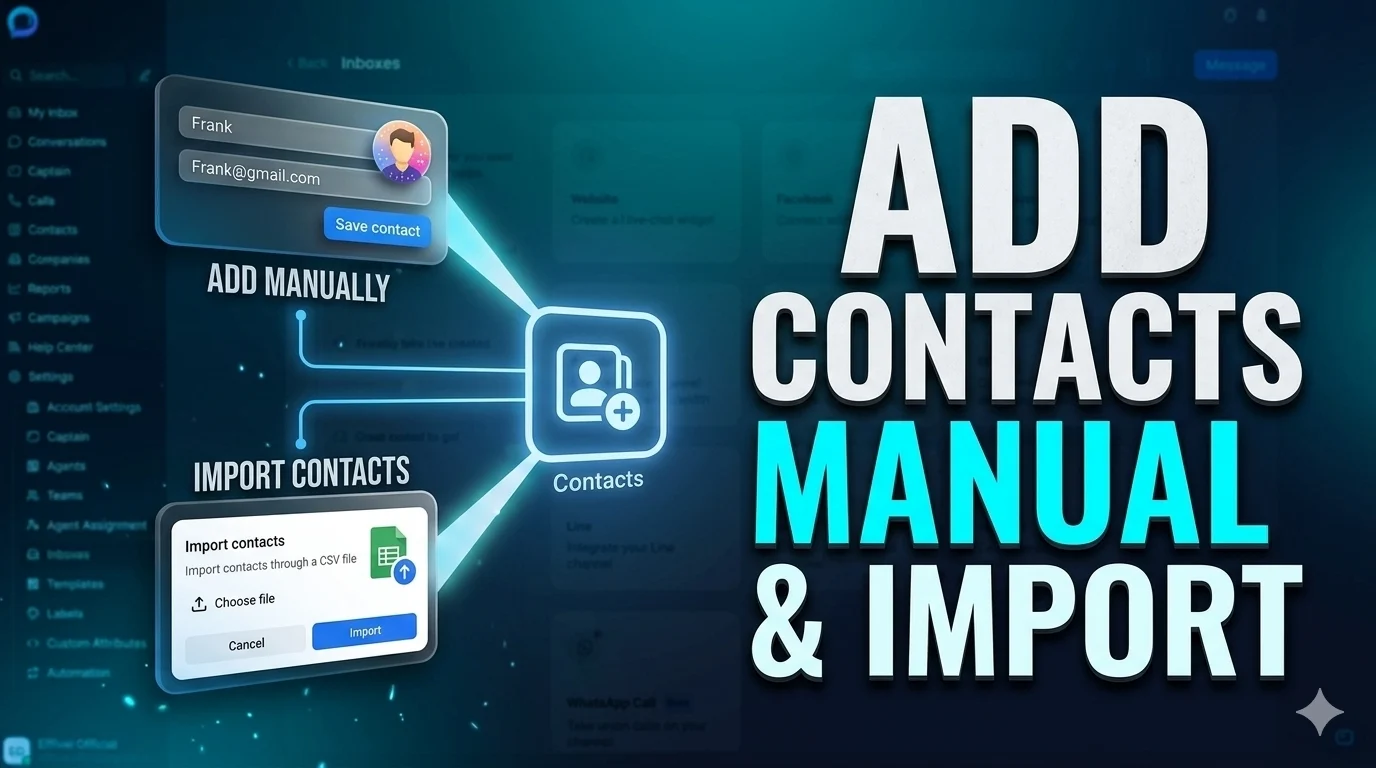
Contacts management

Feature links Add contacts manually You can also add contacts in bulk using the import feature. First, download the import template and fill it in using the template’s format. If you need to save extra info about your contacts, you…

Automation

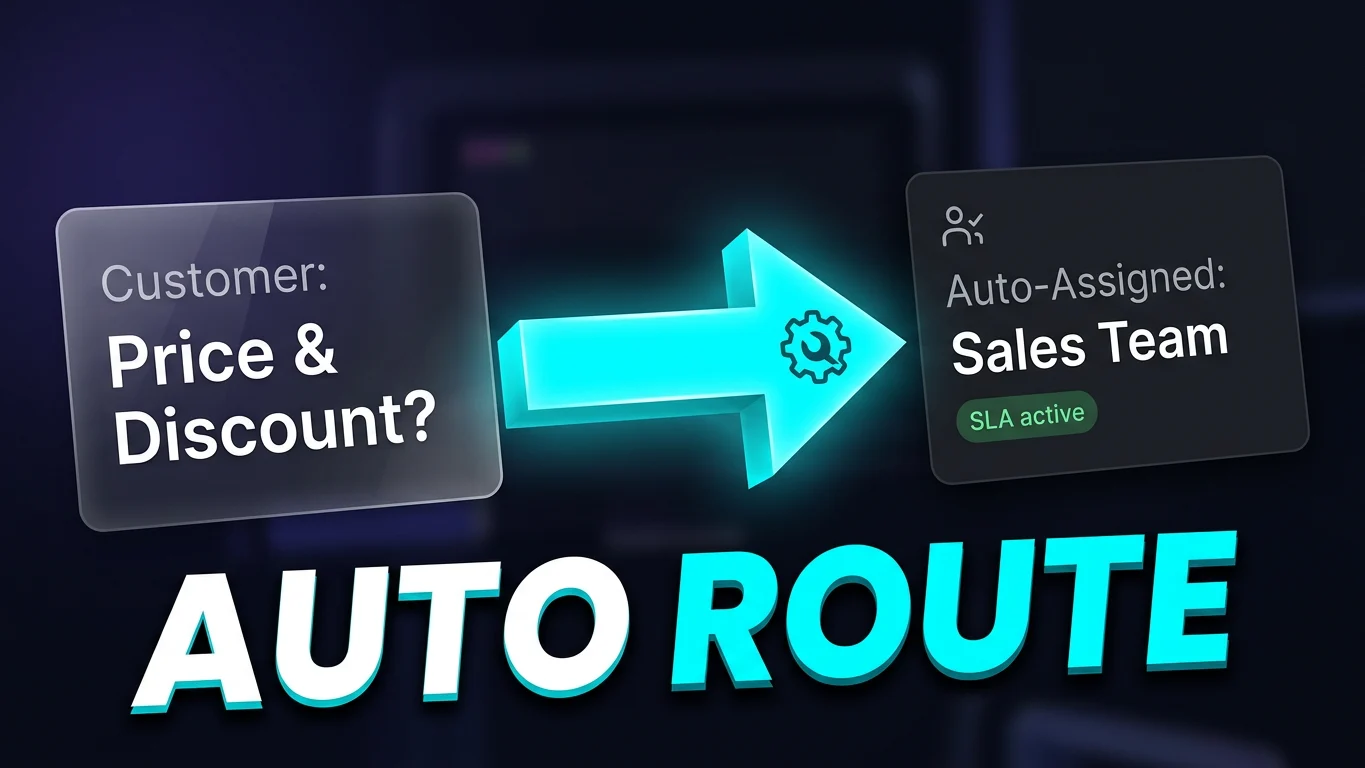
When you want a set of actions to run automatically in certain situations, Automation is a strong fit—and highly efficient. When a selected event fires and the conditions match, the automation runs those actions, so you don’t have to manually…

Captain

Captain is an AI assistant tool. You can create multiple assistants, and each one binds to an Inbox to greet and help visitors on that Inbox first. Once you fill in the Q and A knowledge base and finish the…

Connect your email inbox

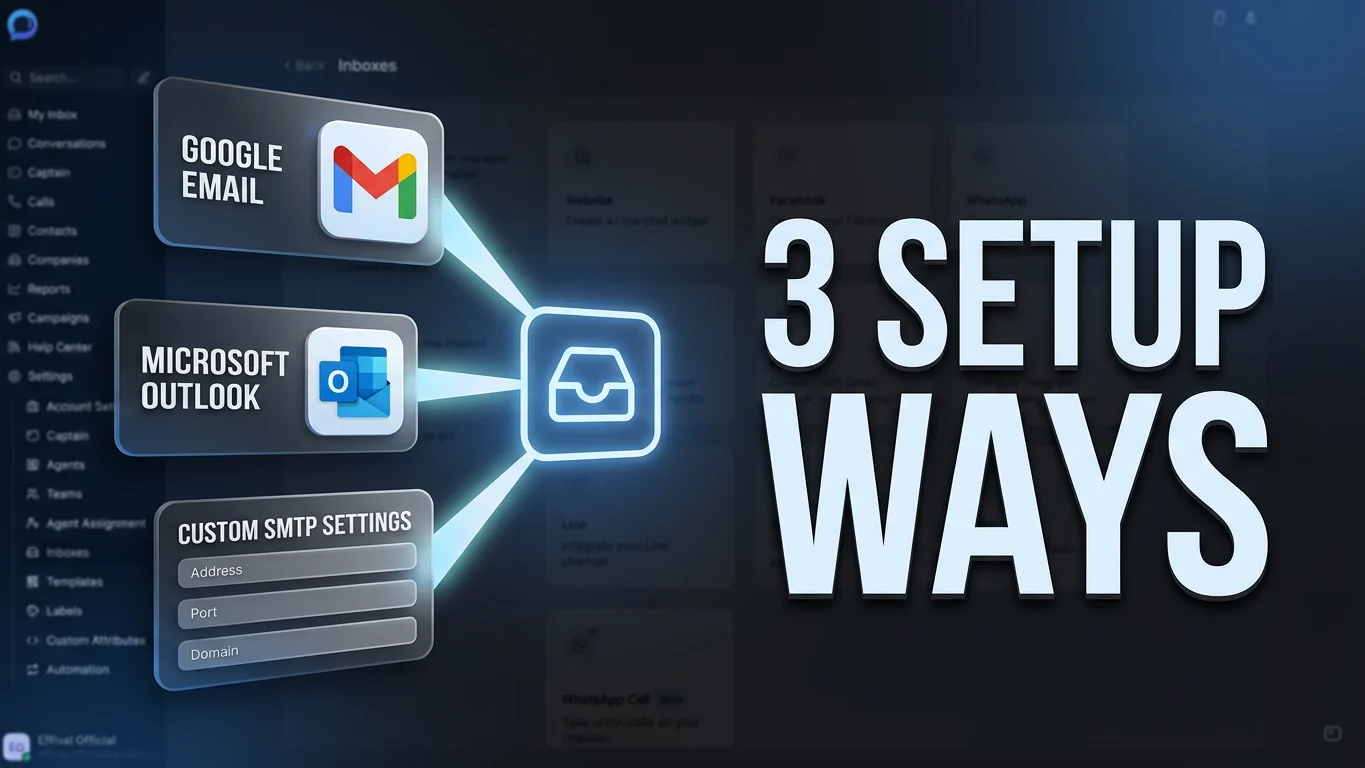
Open Settings, then Inboxes, in Workspace. Click Add Inbox to open the email channel selection page. If you use Google or Microsoft email, choose the matching channel and bind it directly. If you don’t, or you want another email provider,…

More about widget inbox settings

After you create a widget inbox, click More settings for deeper configuration. You can also do this later from the Inboxes page by opening the matching Website record for that widget. Under the Settings tab, you can change the widget…

Add the widget to your website

On the Workspace page, open Settings and go to Inboxes. On the right, you’ll see a record that includes the word Website—that’s your website chat widget. Click the settings icon on the right of that record to configure it. On…

Teams

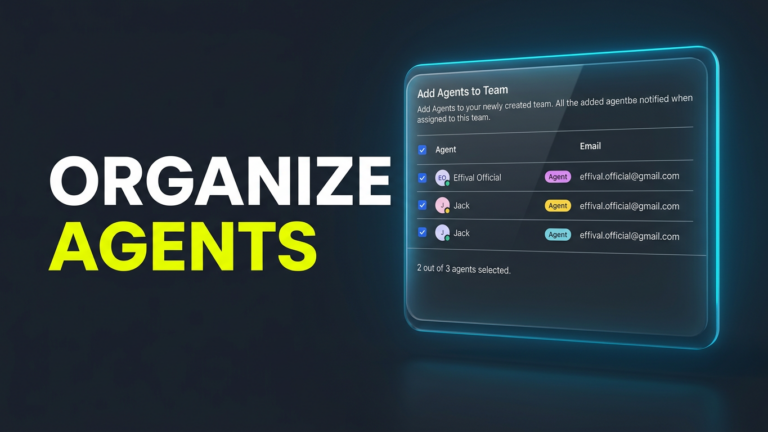
Teams are containers for grouping agents. One team can include multiple agents, and the same agent can belong to more than one team. In practice, you can hand a customer conversation to a specific agent, or assign it to a…

Agents and custom roles

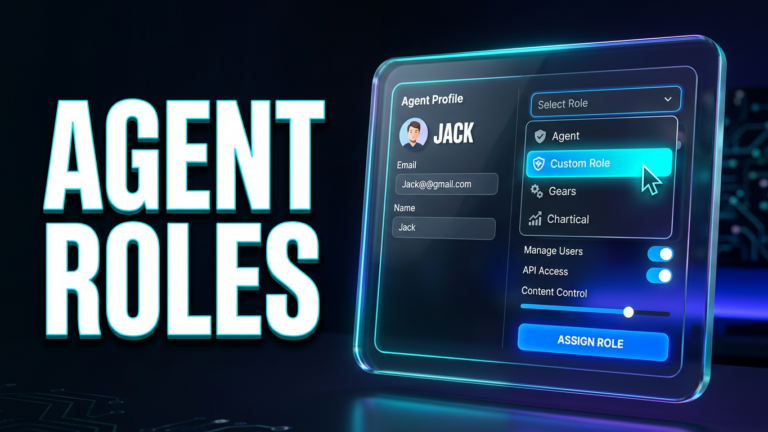
Custom roles let you fine-tune what each agent can do, so larger agent teams can be managed more precisely and work more efficiently. Open Settings, then Custom Roles, in Workspace. Click Add custom role, fill in the details in the…