
Tag widget to website

More about widget inbox settings

After you create a widget inbox, click More settings for deeper configuration. You can also do this later from the Inboxes page by opening the matching Website record for that widget. Under the Settings tab, you can change the widget…
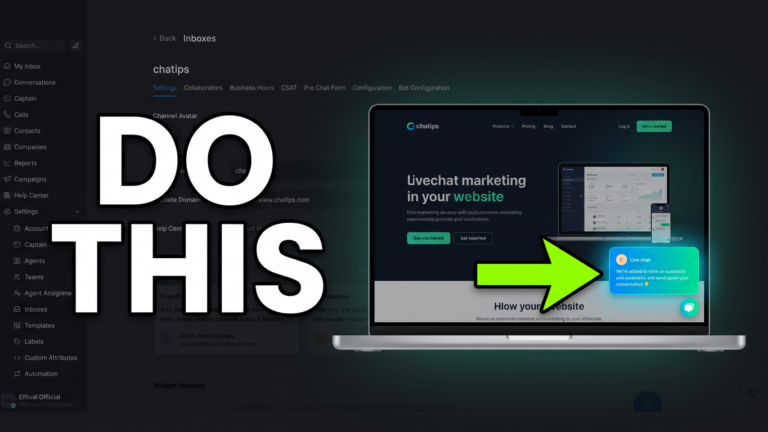
Add the widget to your website

On the Workspace page, open Settings and go to Inboxes. On the right, you’ll see a record that includes the word Website—that’s your website chat widget. Click the settings icon on the right of that record to configure it. On…